Viewing Sessions
- Find Sessions
- Filtering Sessions
- Change Conference Days
- Use Your Agenda
- Watch Livestreams
- Watch Recordings
Find Sessions
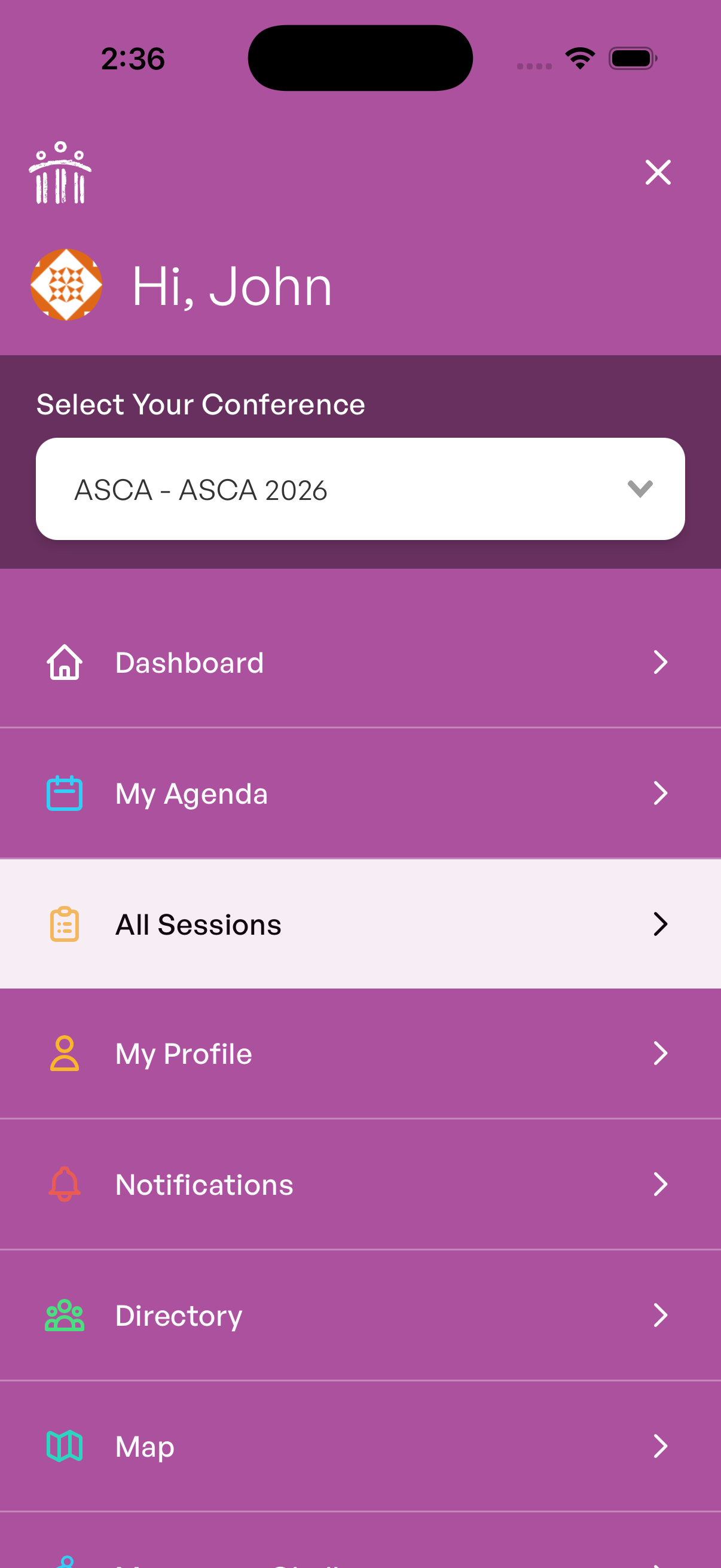
To view conference sessions in the mobile app, tap the Sessions tile on the Dashboard or in the MORE menu on the bottom bar.
Filtering Sessions
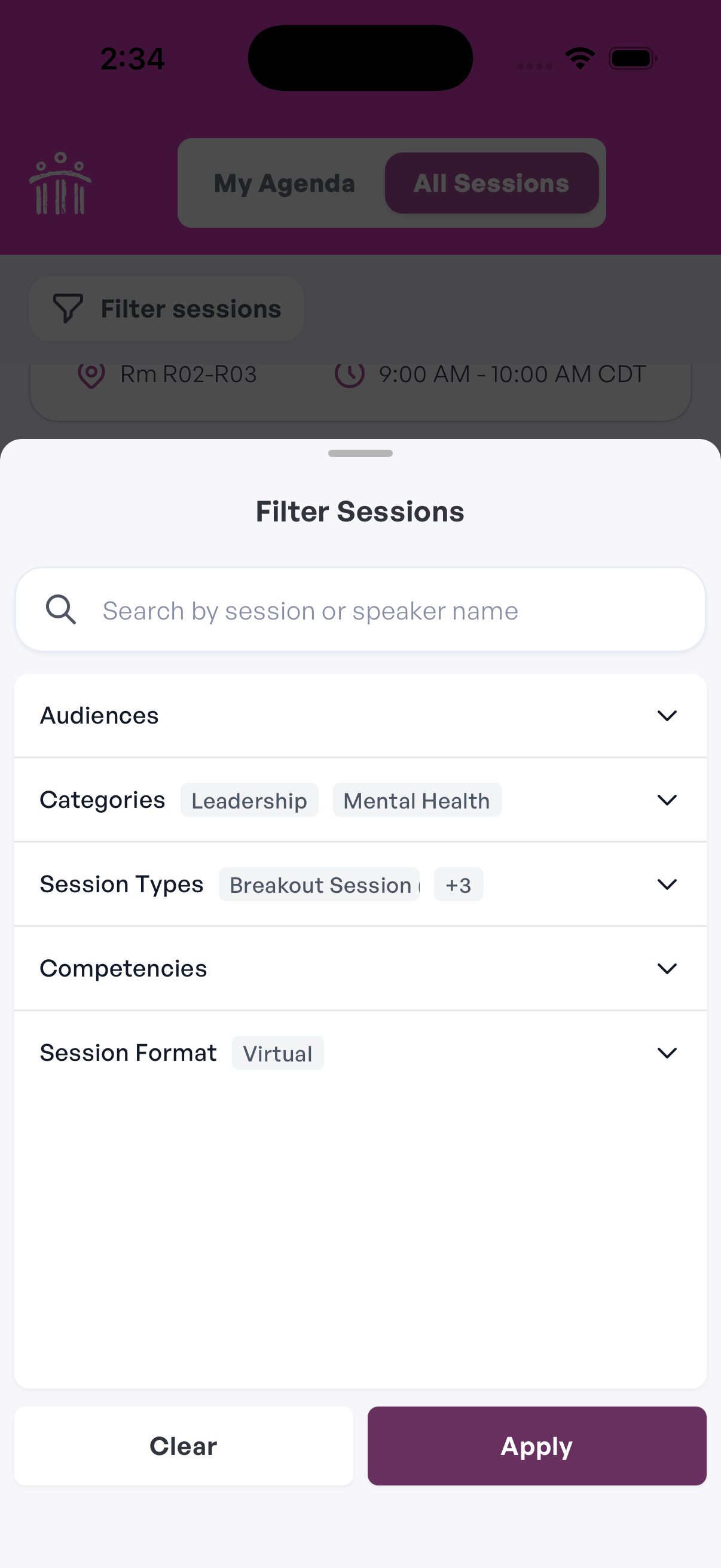
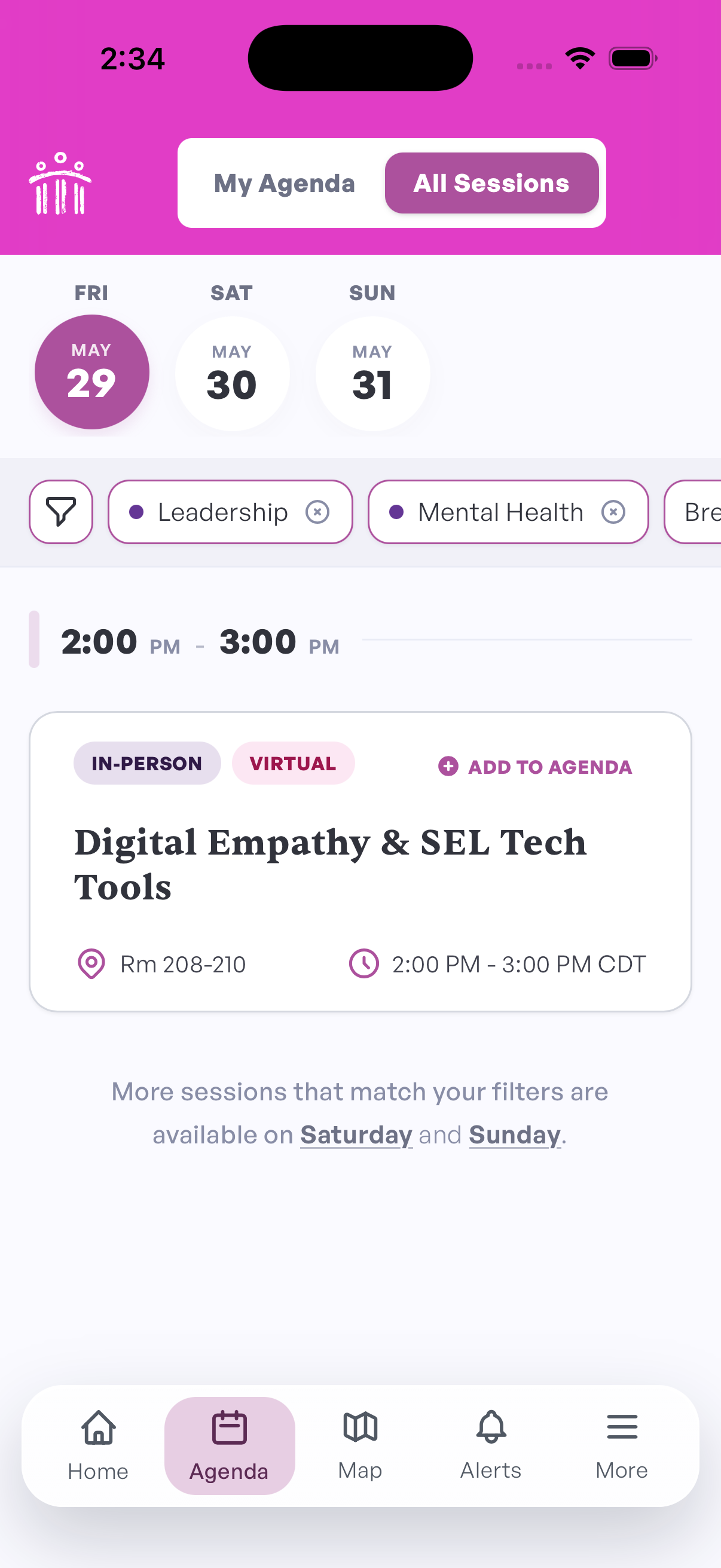
Use filters to narrow the session list and find sessions that match what you are looking for. Depending on the conference, you may be able to filter by details such as session type, topic, audience, expertise level, or location.
Filters are helpful when a conference has a large schedule or when you want to focus on a specific kind of session.
Change Conference Days
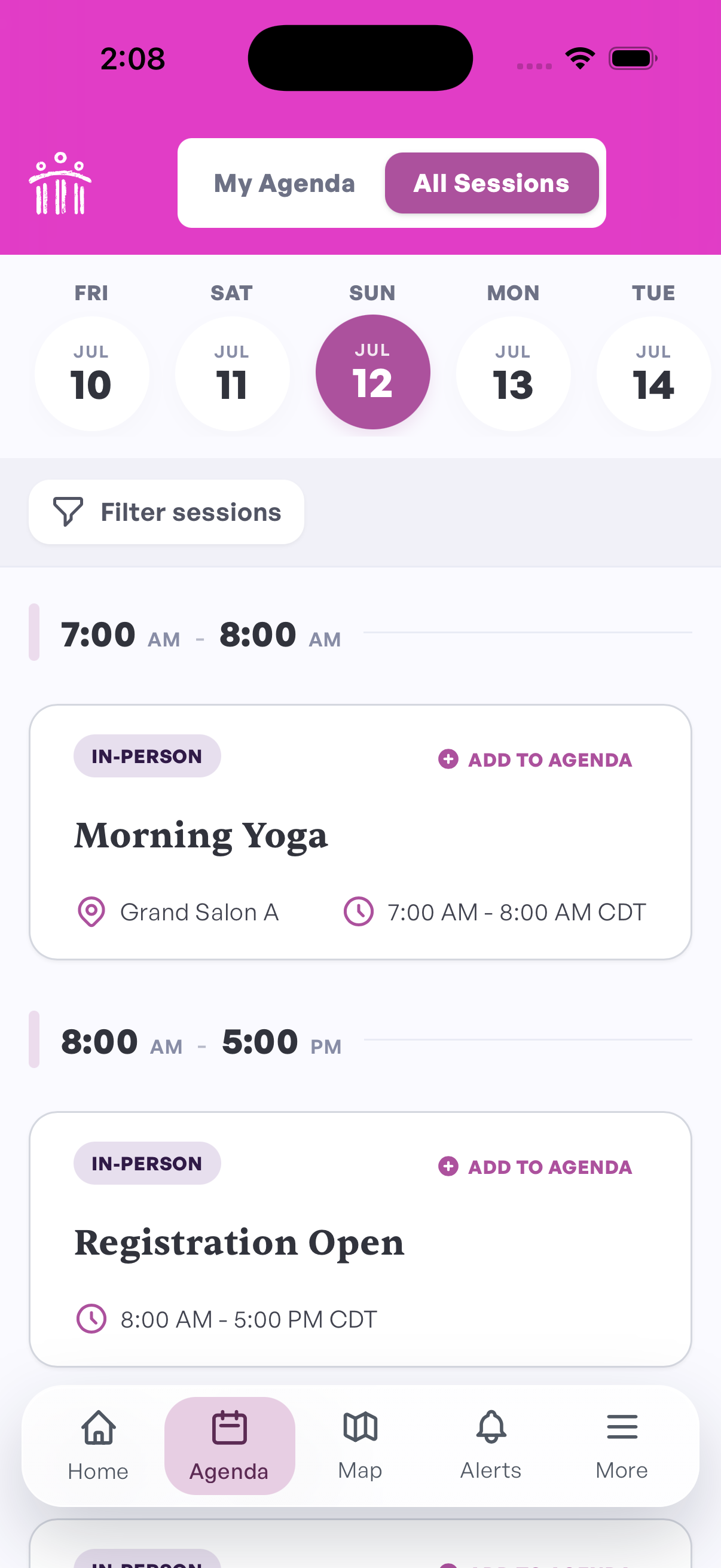
Sessions are organized by conference day. Use the date picker at the top of the sessions screen to switch between days.
Use Your Agenda
Add sessions to your agenda to build a personal conference schedule.
When you find a session you want to attend, add it to your agenda by clicking the ADD TO AGENDA button. You can use your agenda to quickly access the sessions you want to attend instead of searching through the full conference schedule again.
Watch Livestreams
Virtual sessions are livestreamed from the session page in the app.
Livestreams are usually available about 15 minutes before the session starts. Before the stream begins, you may see a message letting you know the session is starting soon.
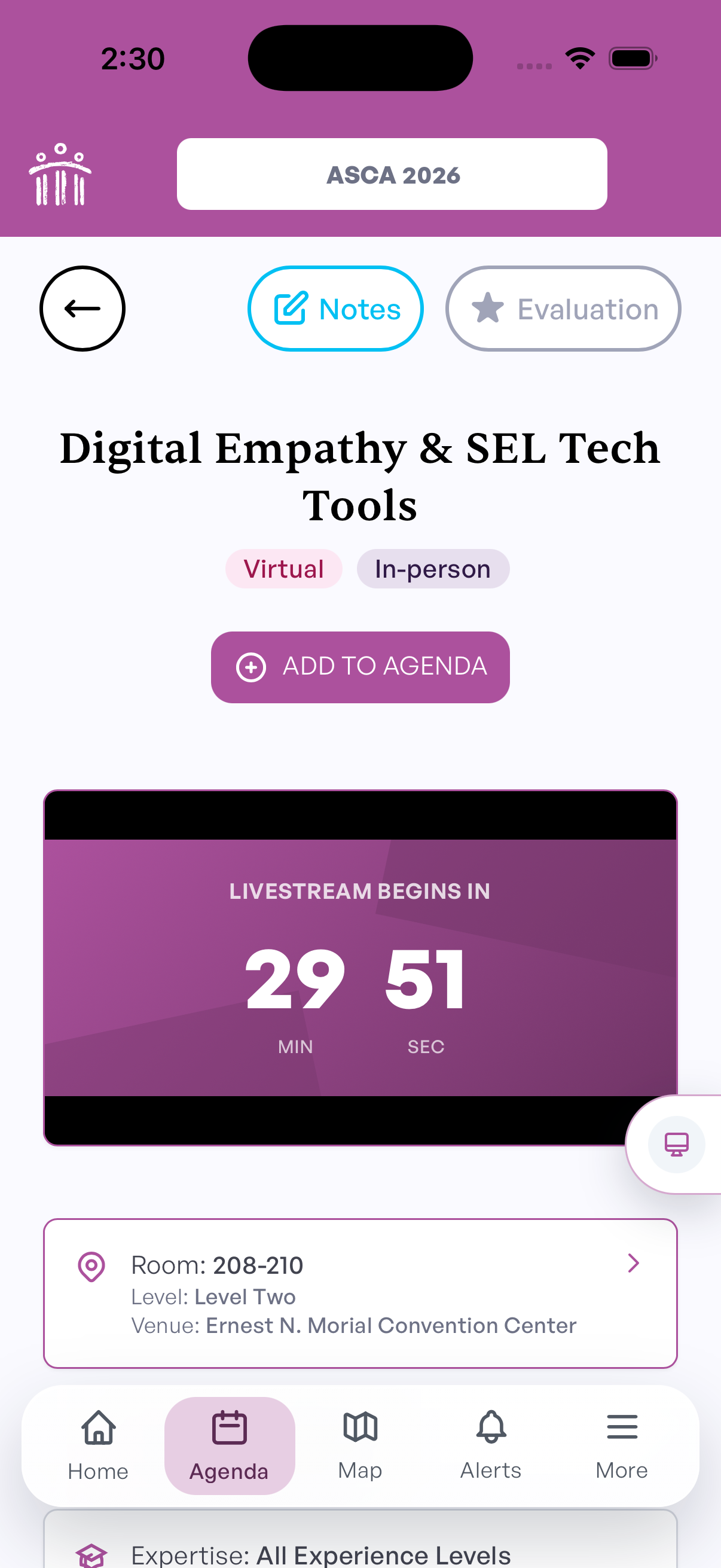
Many virtual sessions include live chat so attendees can connect during the session. Chat is available while the session is live.
Watch Recordings
After the conference, virtual session recordings are posted on the same session pages in the app.
Recordings are usually available 24 hours after the session ends. For example, if a session ends at 2 PM, the recording should be available around 2 PM the next day.